NITELOAD / Review sample
Demo music
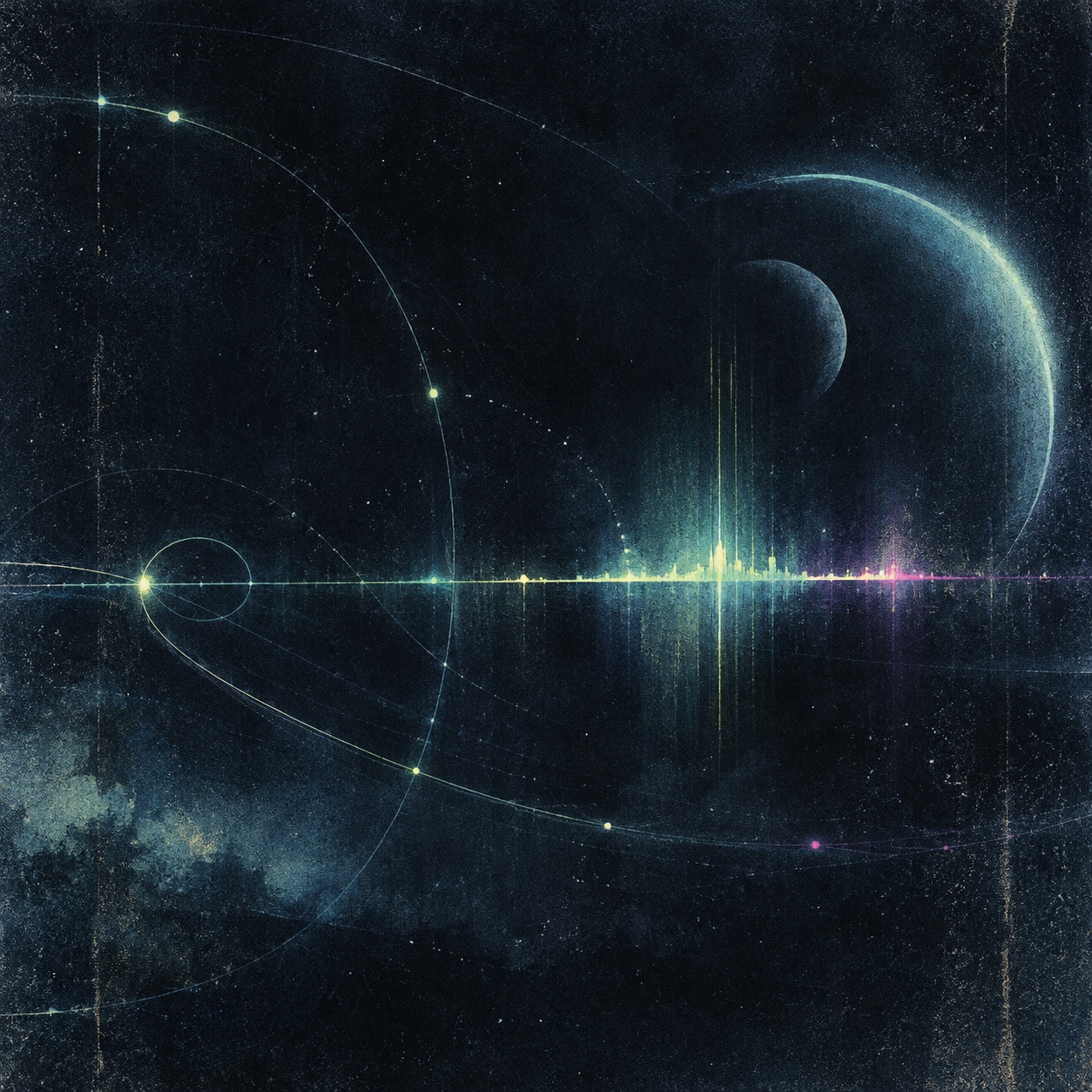
Three short, original audio clips and a cover image for testing NITELOAD. Music is not bundled with the app.
Play it in NITELOAD
- Save the audio files and cover image in the same folder in Files on your iPhone or iPad.
- Open NITELOAD, tap the folder icon, then tap Add Folder and choose that folder.
- Tap any track to play it. The visualizer and file details work in the free app.
- With Premium, turn on Cover backdrop in Settings to see the image behind the visualizer.
No account or sign-in is needed.