Walk at your own pace.
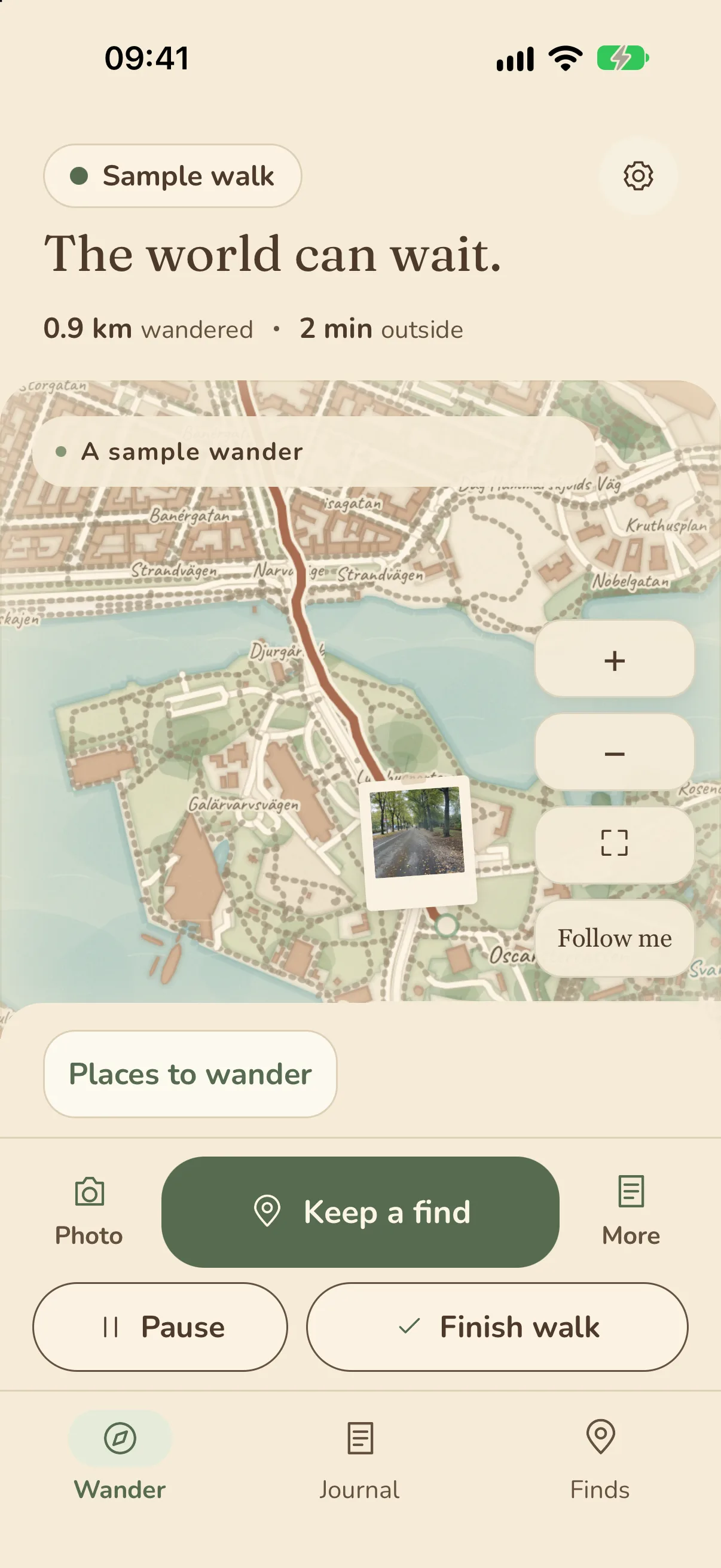
A short loop or a whole afternoon. Make room for the walk you want, without pace targets or streaks to chase.
Amble / A journal for your own personal adventures and small expeditions
Turn an ordinary walk into a page worth keeping: the route in watercolor, your photos, the sounds around you, and the places you want to return to.
A little closer
A short loop or a whole afternoon. Make room for the walk you want, without pace targets or streaks to chase.
Take a photo or keep a find, and it’s saved at once. Add a thought, the sound of the place, or a short voice memo whenever you like.
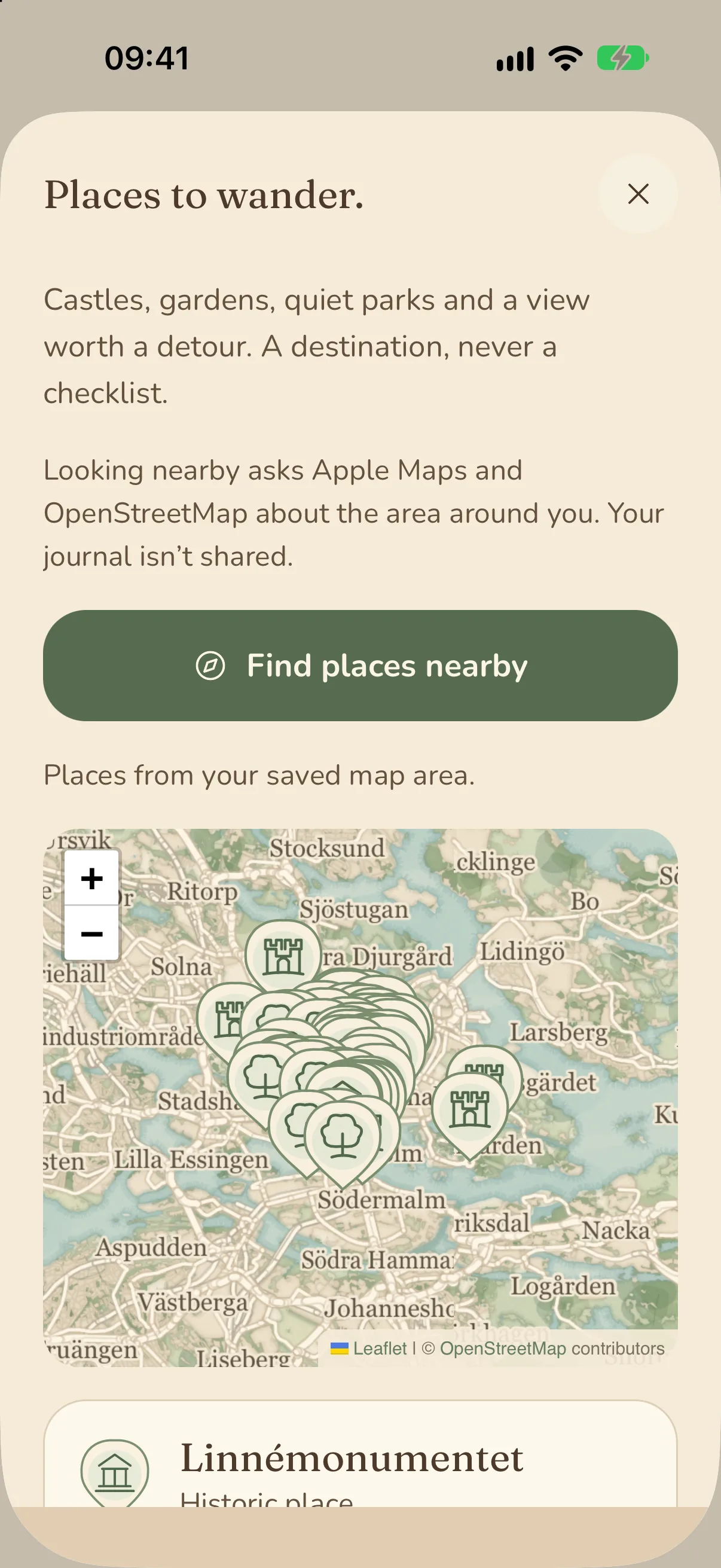
Places to wander suggests parks, gardens, castles, and viewpoints near you, from Apple Maps and OpenStreetMap.
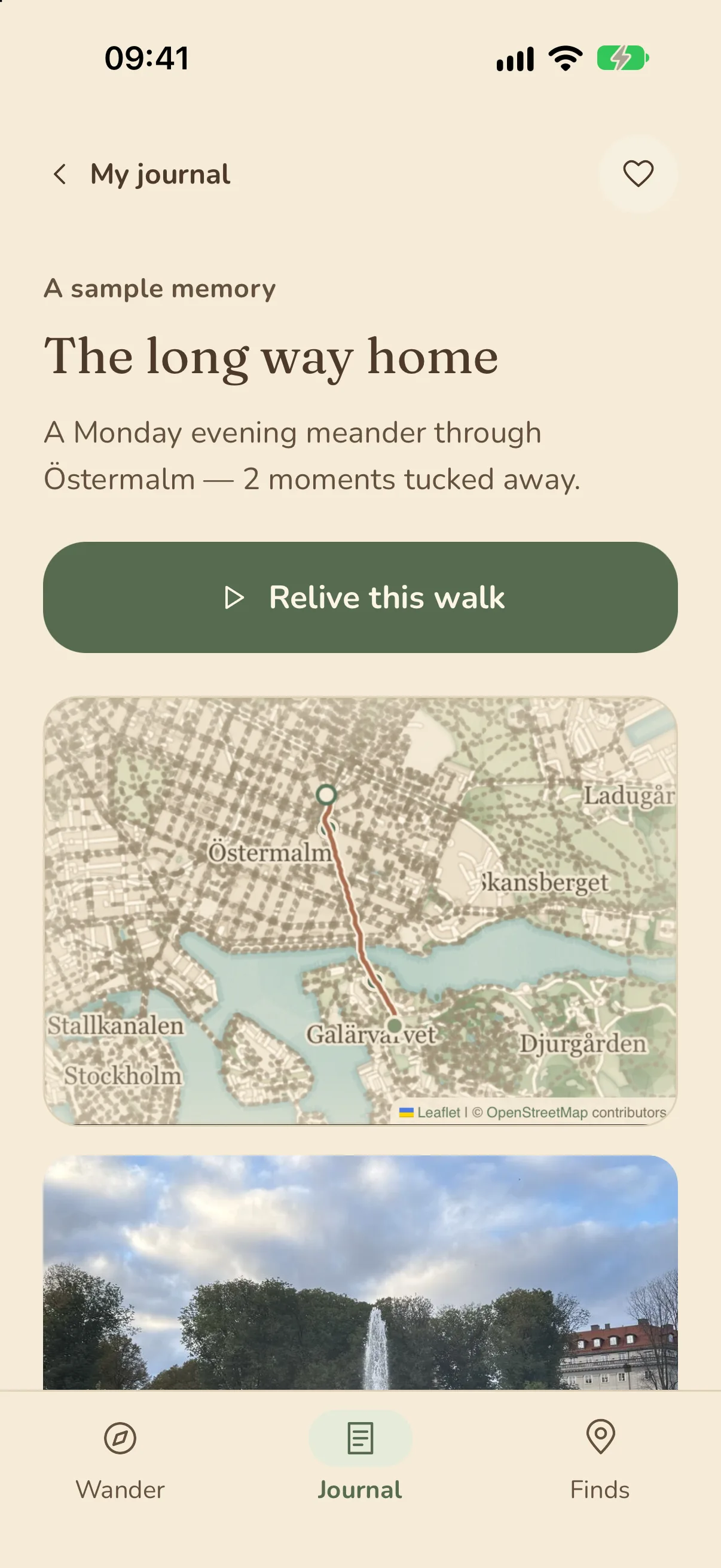
Relive a walk as a short story, make a postcard, or browse your pages, photos, and keepsakes.
A closer look / Amble
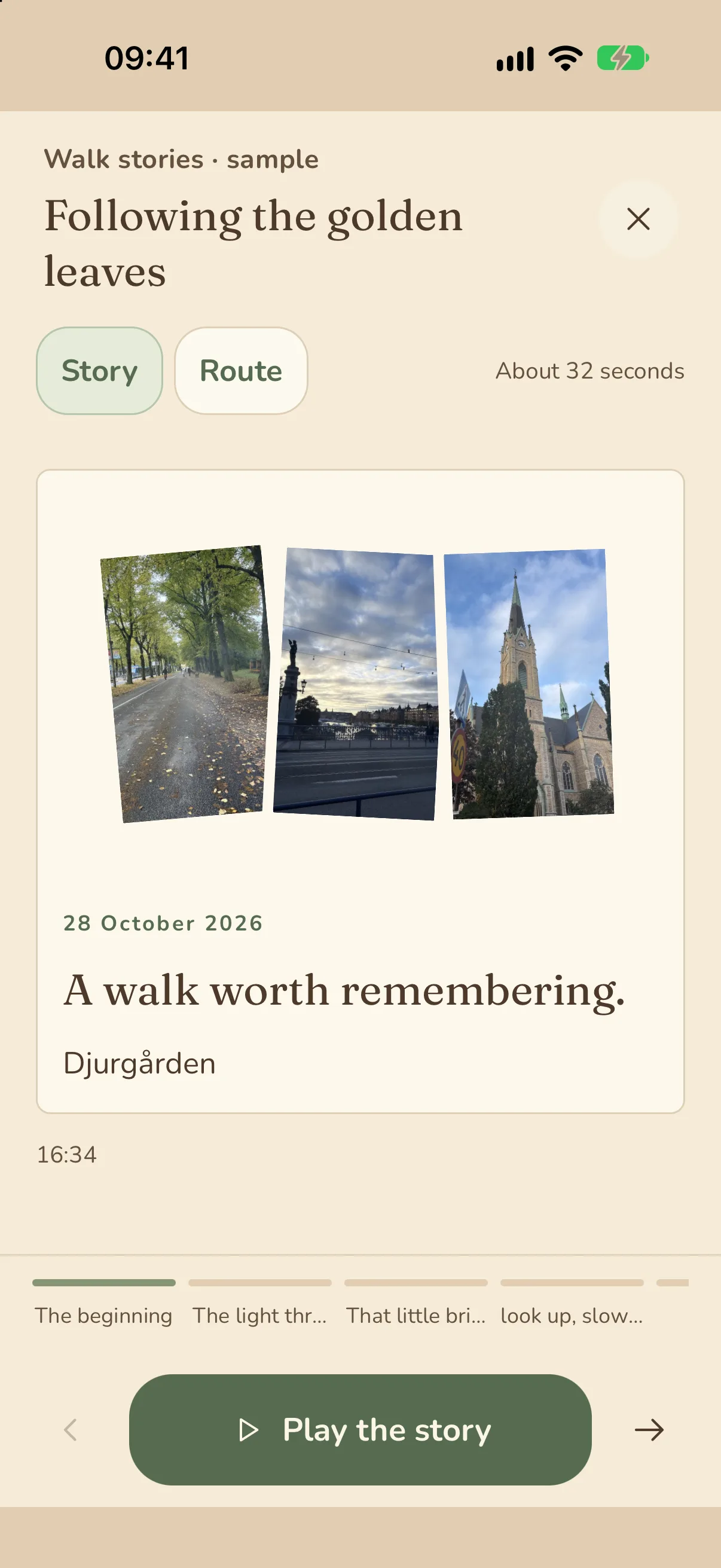
A Walk story turns a saved page into short chapters: the beginning, each photo and find, and the way home. Play it through, or step from one chapter to the next at your own pace.
A closer look / Amble
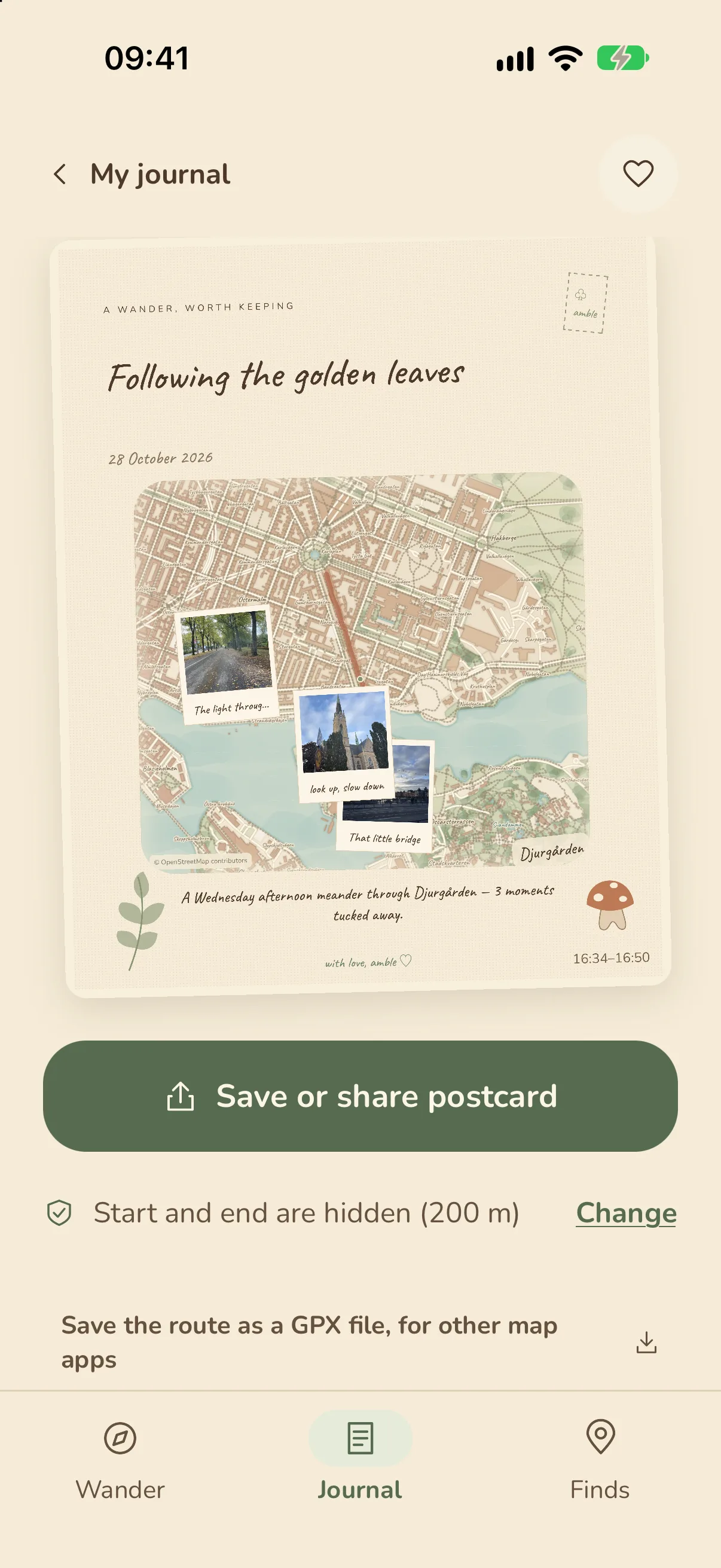
Make a postcard from the route, a photo, and your own words, then save it or share it. Before anything leaves your iPhone, the start and end of the route are left off, and you can change that for each walk.
In the picture
Your next discovery
Something good is on its way. Release details will appear here when Amble is ready.
Amble is a journal for your own personal adventures and small expeditions. Its focus is noticing and remembering, rather than calories, speed, or training goals.
No. Choose Keep a journal without a route, and Amble keeps your photos, thoughts, and sounds without recording where you walk.
You choose. By default, the first and last 200 meters of the route are left off postcards, GPX files, and booklets, so a walk that starts at home doesn’t show your door. You can change that for each walk, and also hide where photos were taken or the name of the area.
No. Your journal is kept on your iPhone. Journal in iCloud uses your own Apple Account, and there is no Amble account to create.
English, Swedish, Danish, Norwegian, Finnish, German, French, Spanish, Italian, Portuguese, Japanese, Simplified Chinese, and Korean. It follows your iPhone’s language, or you can choose one in Settings. Your own words stay as you wrote them.